
Today
- 12Cases
- 9Clients
- 3Alerts
Agenda
- 10:30Hearing · 2026/42 E.
- 14:00Client meeting
- All dayDeadline day
The file fits the phone.
Manage cases, clients, tasks, documents, appointments and invoices on mobile within your permissions. Creating and editing records is not limited to the web. Subscription payment remains on the web; mobile shows status only.
01/06 · Screens
Eight illustrative mobile views
The illustrations introduce key flows; they are not a list of every app screen or exact screenshots.
- 09:41
Sign in to Vekilaw
Account sign-in
Sign in
01/08 · Sign-in
The same account, a mobile sign-in flow
Use your account with company, role and plan scope enforced by the server. Mobile sign-in, verification and onboarding have their own screens rather than an exact web layout. MFA and session requirements may affect sign-in.
- 09:41
Today
- 12Cases
- 9Clients
- 3Alerts
Agenda
- 10:30Hearing · 2026/42 E.
- 14:00Client meeting
- All dayDeadline day
02/08 · Home
Start the day on the home screen
Authorised case, client and notification counts are shown alongside agenda records; loading or failure is not treated as a real zero. The agenda reads calendar records within current access and date scope; matching web result counts at every instant are not guaranteed.
- 09:41
Cases
- 2026/42 E.Client AHearing
- 2026/17 E.Sample Logistics Inc.Pending
- 2025/311 E.Client CDecision
03/08 · Cases
List, detail and Kanban
Search and filter the case list, and create or edit records when permitted. Move cases to authorised target stages on the kanban board. See case management and kanban.
- 09:41
Clients
- Client AIndividual, 2 cases
- Sample Logistics Inc.Corporate, 5 cases
- Client CIndividual, 1 case
04/08 · Clients
The card is at hand when a client calls
Review authorised person and contact fields. Linked cases load separately with case read permission and pagination. The current phone/email fields do not automatically start a call or message. See client management.
You have a new notification. View details in the app.
09:41Notifications
- 09:41Hearing created
- YesterdayPayment completed
- YesterdayHearing created
05/08 · Notifications
The notification list in your pocket
Review notifications; supported links open the relevant record within your permissions. See the notifications page for channel, preference and delivery conditions.
- 09:41
Search
2026/42
- Case2026/42 E.
- Document2026/42 power of attorney.pdf
- Hearing17 November 2026 · 10:30
06/08 · Search
The file you want is a few letters away
Search covers case, document and hearing types within authorised results. Cases open their case record, documents open document detail, and hearings can open a valid linked case with case read permission. This is not document-content/OCR search. See search.
- 09:41
Courthouse directory
- Turkey
- Mersin
- Yenişehir
- Courthouse A
- Courthouse B
- Courthouse C
07/08 · Courthouses
Province, district, courthouse
Use country, province and district filters to search published courthouse records. Province and district reference data does not mean every district has a courthouse record; results are limited to published records.
- 09:41
Appearance
- System
- Light
- Dark
08/08 · Theme
Light, dark and system theme
Switch between system, light and dark themes. System mode follows the device appearance setting.
02/06 · Flow
From agenda to courthouse on one phone.
Illustrative mobile tracking flow: open the agenda, review a case, check notifications and search courthouses. Operations depend on permissions; example screens are not evidence of real records or delivery.
- 01/0416:58
The example agenda shows authorised hearing and appointment records in a selected date range. This illustration does not load actual data for tomorrow.
- 02/0416:59
Opening a case from a hearing requires a valid case ID and current case read permission. The case summary and linked records load under their respective access conditions.
- 03/0417:00
Check the notification list within your permissions. Push delivery depends on device permission, registration, preferences and channel conditions.
- 04/0417:02
Search published courthouse records by country, city and district. This does not automatically match a case court to a courthouse or establish a record for every district.
Agenda
03/06 · Push
Push depends on device and channel conditions
Push requires device permission, a valid device registration, supported event/channel, preferences, quota and a working provider. A closed app does not guarantee delivery. Automatic case-linked push uses a generic message rather than putting case details on the lock screen. Opening a target or notification list remains subject to current in-app access.
Vekilaw09:41
You have a new notification. View details in the app.
04/06 · Courthouse
A hearing in another province, a familiar screen
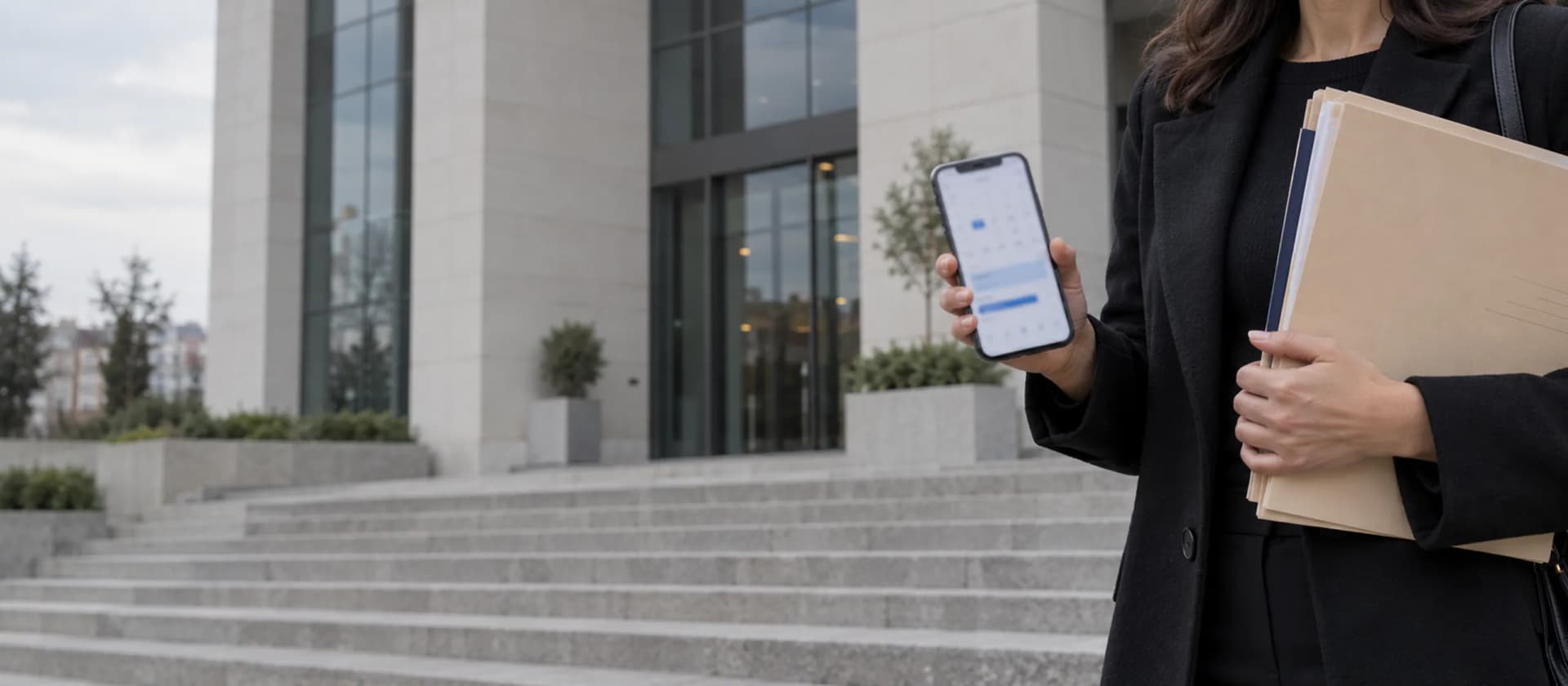
On the way to the courthouse in the morning you check the file's status, its time and the client's card; while you wait in the corridor your notifications are at hand.
05/06 · Scope
Work on web and mobile within your permissions
- iOS
Published store links and device requirements apply to the iOS app. This illustrated page is not evidence of store approval or device acceptance.
- Android
Use the same account on the Android target; store/device availability requires separate verification. Push delivery depends on permission, registration, preferences and provider conditions.
- Dark theme
System, light and dark theme options are there.
- Create and edit
Mobile supports creating and editing records, kanban stage changes, appointments, invoices and documents within your permissions and feature scope. AI operations also depend on package and provider conditions. Subscription payment remains on the web; mobile shows status only.
06/06 · Questions
What do people ask about the mobile app?
- 01/05
What can I do on mobile?
Manage cases, clients, tasks, documents, appointments and invoices on mobile, including creating and editing records within your permissions. Kanban stage changes require the relevant permissions. AI depends on package and provider conditions. Subscription payment remains on the web; mobile shows status only.
- 02/05
Is data stored on the phone?
Session tokens are kept in the device secure store; read business data can remain in app memory. Document/PDF/report sharing can use temporary local files with application cleanup. Vekilaw does not control retention of copies you export or download into another app. This does not guarantee that no local data remains or that a lost device is completely wiped remotely.
- 03/05
On which events do push notifications arrive?
Push notifications depend on supported events, channel setup, user preferences, device registration and operating system permission. Delivery is not guaranteed for every event or device state. The in-app list shows notifications within your permissions.
- 04/05
Is there a dark theme?
Yes. The app comes with system, light and dark theme options. With the system option it follows your phone's appearance setting.
- 05/05
What happens offline and for records outside my permissions?
Record operations require a server connection and valid permissions; full offline file management is not promised. Company and permission scopes apply on web and mobile. Losing a phone does not by itself mean all local data has been erased; device security and session management matter.